Public beta is open. Colourlab AI 4 is free for everyone right now.
Get Beta Access →
Add Intelligence to your colour.
Colourlab AI 4 is free for everyone during public beta. The same company that provides technology for colour grading of Netflix, Amazon, and Warner Bros. productions — now built for every creator, on every project.
Free during public beta. New beta build every 14 days through September. No credit card required.
Requires an Apple Silicon Mac — Windows support coming in October.
Colourlab has been building AI-powered color tools since 2018 — the first company anywhere to do it. That work is already trusted by more than 5,000 post-production companies and has touched over 10,000 films and episodes. Colourlab AI 4 is the newest thing we've built with everything we've learned. It starts now — with you.
2018
Founded — first AI color grading company
5,000+
Post-production companies
10,000+
Films & episodes touched
COLOURLAB AI 4
What's new.
NEW IN AI4
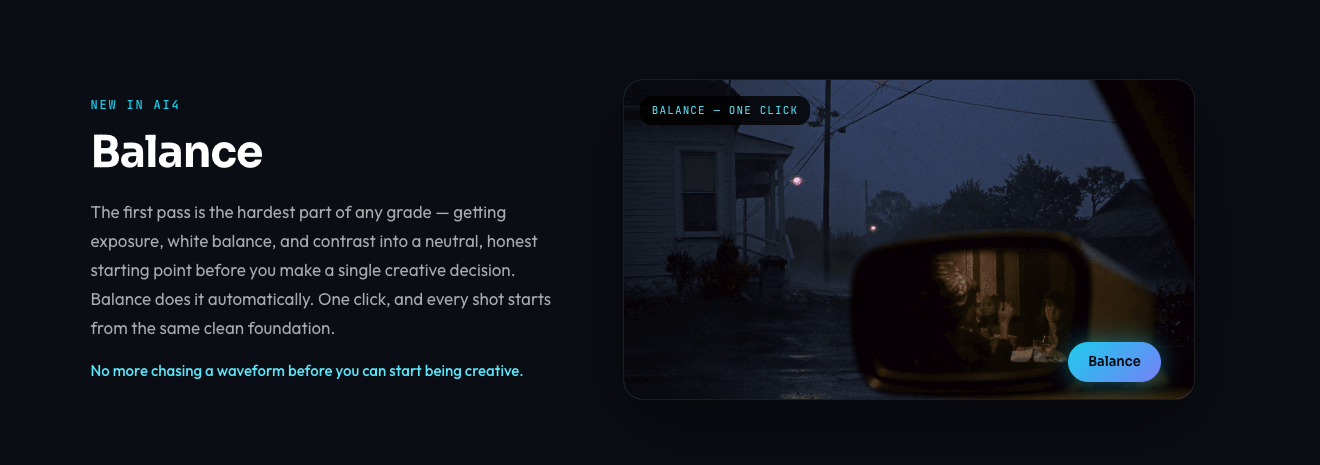
Balance
The first pass is the hardest part of any grade — getting exposure, white balance, and contrast into a neutral, honest starting point before you make a single creative decision. Balance does it automatically. One click, and every shot starts from the same clean foundation.
No more chasing a waveform before you can start being creative.
NEW IN AI4
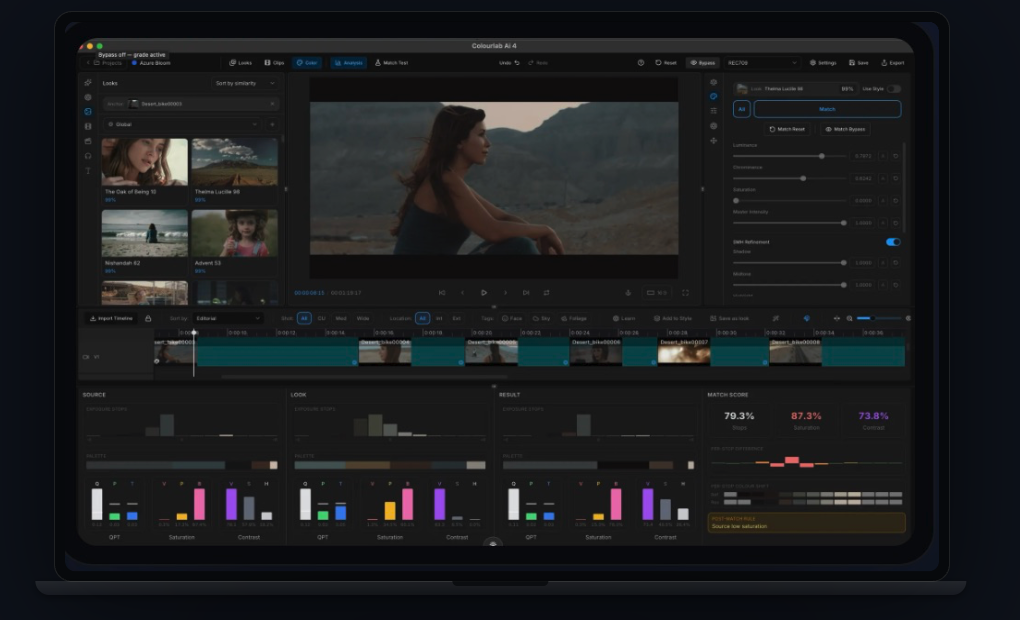
Match like it's shadows, midtones, and highlights — because it is.
Standard match adjusts chrominance, luminance, and saturation across the whole image at once. Match with SMH goes further — shadows, midtones, and highlights are matched independently, so a shot with a blown-out window and a face in shadow doesn't get forced into one flat compromise.
NEW IN AI4
Stop grading shot by shot. Grade the whole timeline in one click.
A Style isn't a look-up table and it isn't a preset. It's a set of instructions — how you want a sequence graded, not just what one shot should look like. Build a Style once, and Colourlab applies your grading logic across every related shot in the sequence. This is the difference between grading a project and directing one.
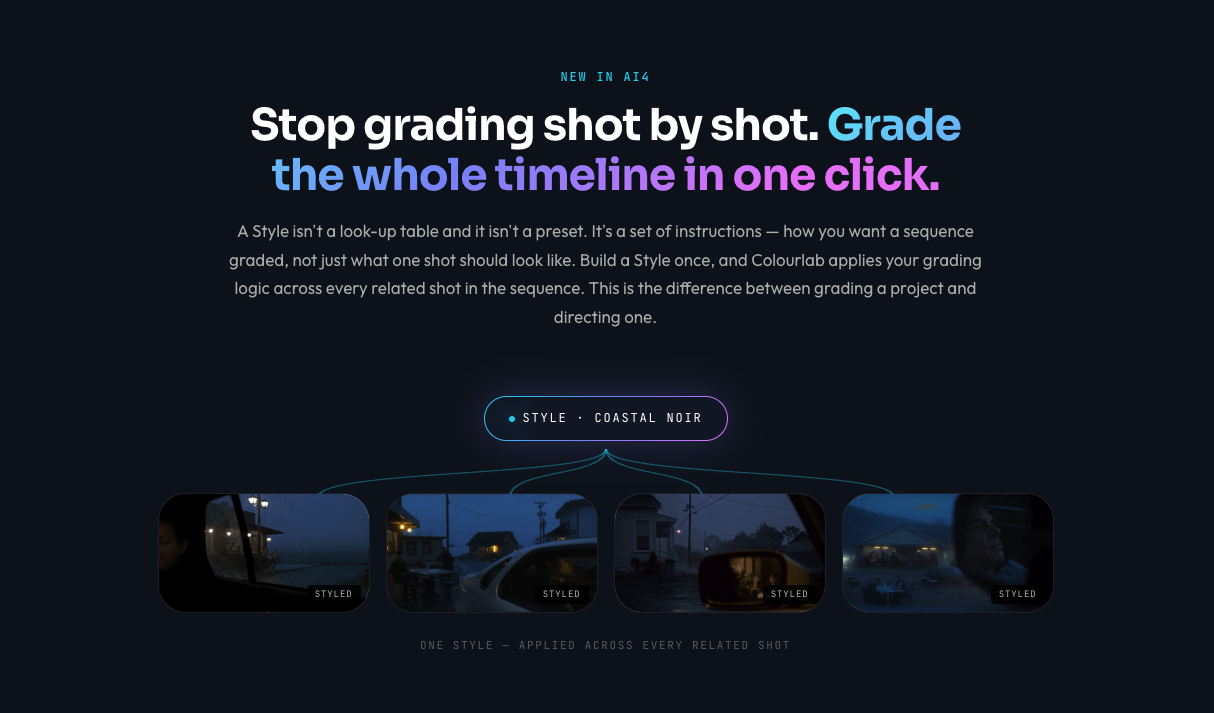
ONE STYLE — APPLIED ACROSS EVERY RELATED SHOT
AI GRADING
Ask for a look. In your own words.
Describe what you're after — and Colourlab returns real looks, ranked and ready to apply. Not a filter that approximates your words: actual grades from your library, found by an engine that understands both the sentence and the image.
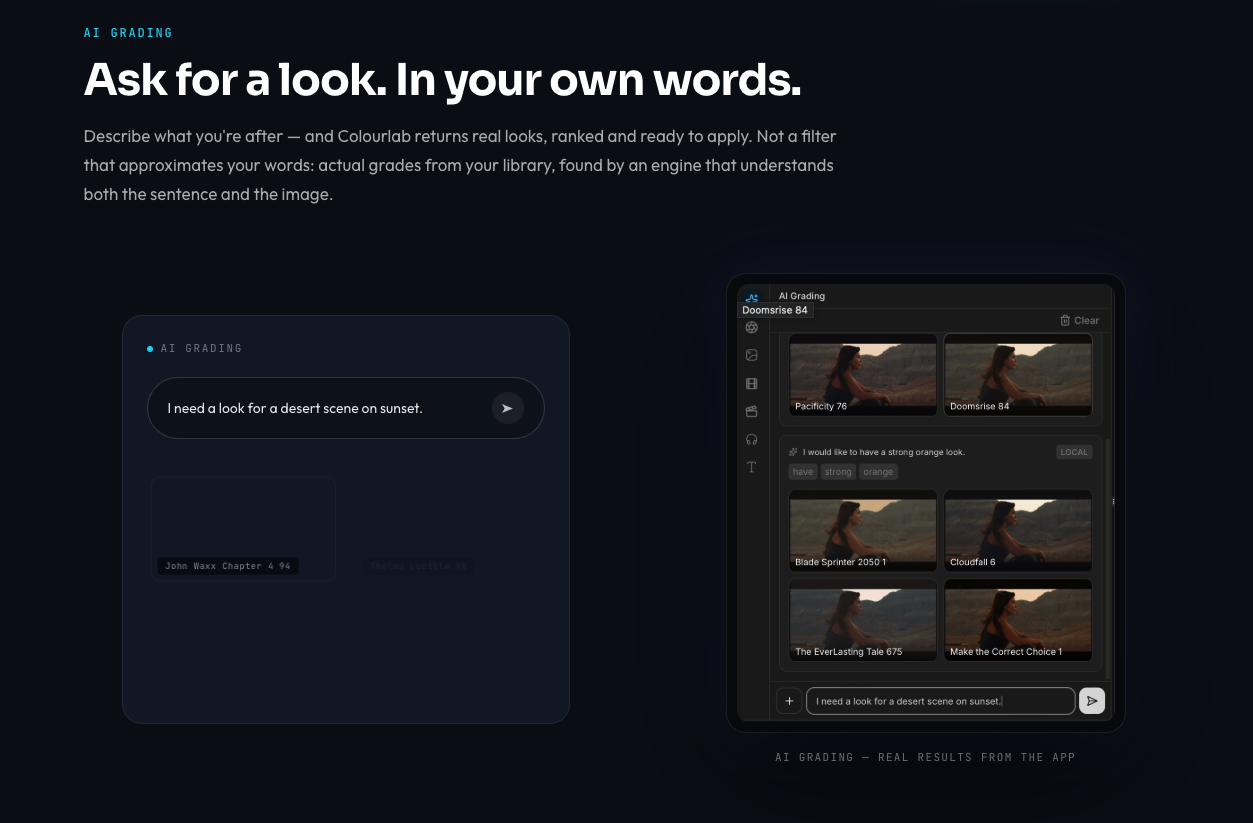
AI GRADING — REAL RESULTS FROM THE APP
A CONCEPT THAT DIDN'T EXIST BEFORE AI4
Anchoring: find the look, not just the shot.
Anchoring lets you match and find looks based on similarity — in content, color, or exposure — instead of hunting manually through a timeline for the reference you had in mind. Point at what you want, and Colourlab finds where else it belongs.
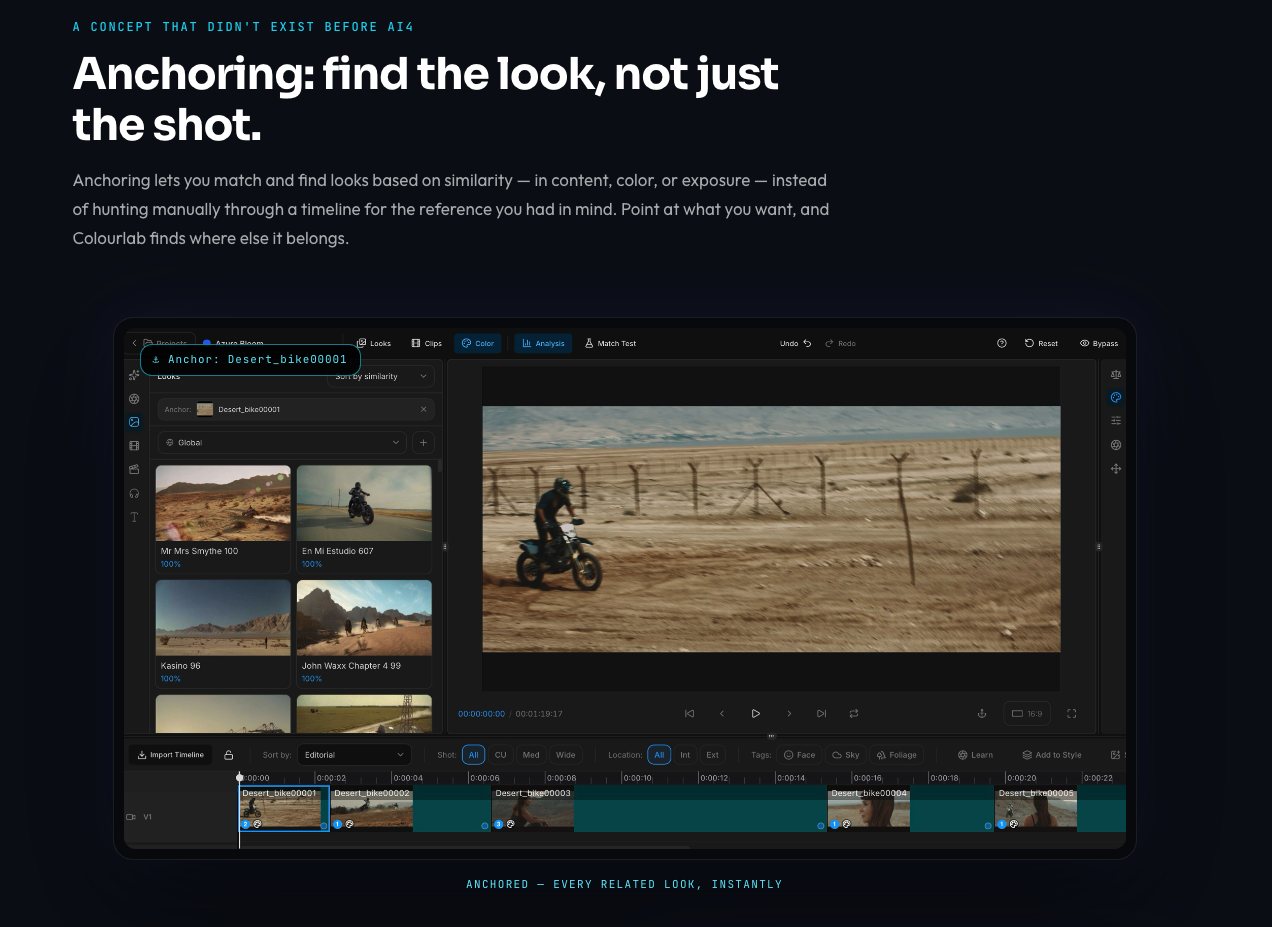
ANCHORED — EVERY RELATED LOOK, INSTANTLY
An always-growing Look Library.
Thousands of professionally built looks to start with — and the library keeps growing with every release.
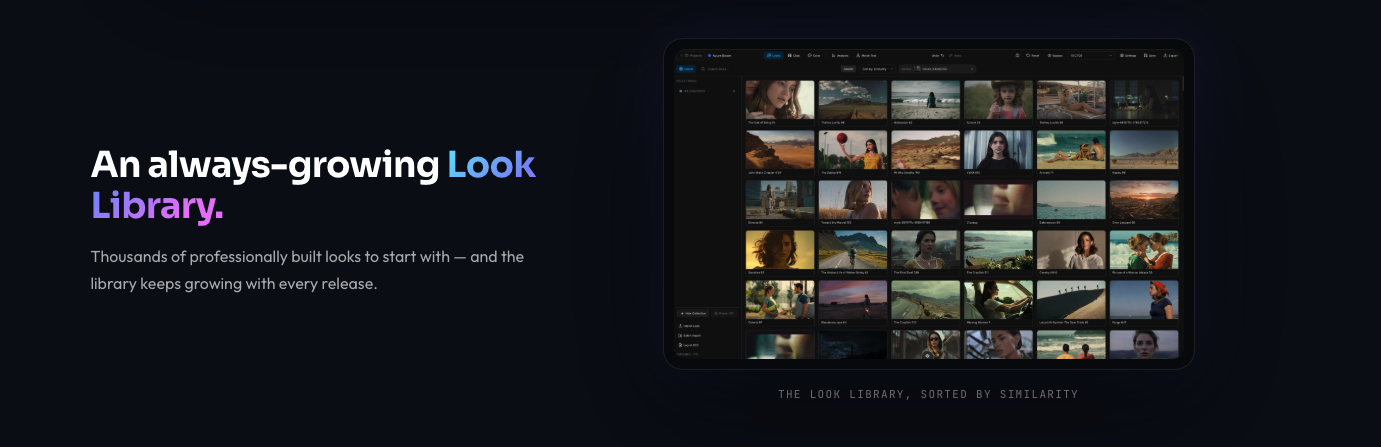
THE LOOK LIBRARY, SORTED BY SIMILARITY
ON-DEVICE BY DESIGN
All matching on your device. Never in the cloud.
Creative flow doesn't survive a network round-trip. Every match, every analysis, every look runs locally on your Mac.
MILLISECONDS.
BLAZING FAST. ON APPLE SILICON.
Bring your own timeline.
Colourlab AI 4 now works natively with DaVinci Resolve, Adobe Premiere Pro, Final Cut Pro, and Avid Media Composer — all via OpenTimelineIO. Multicam timelines from DaVinci Resolve are fully supported, along with more codecs than any previous version of Colourlab.

DaVinci Resolve
incl. multicam timelines

Adobe Premiere Pro
via OpenTimelineIO
Final Cut Pro
via OpenTimelineIO

Avid Media Composer
via OpenTimelineIO